Character.AI Age Verification Failed? What Adults Can Do
By myaicompanion Editorial · Updated 2026-10-22
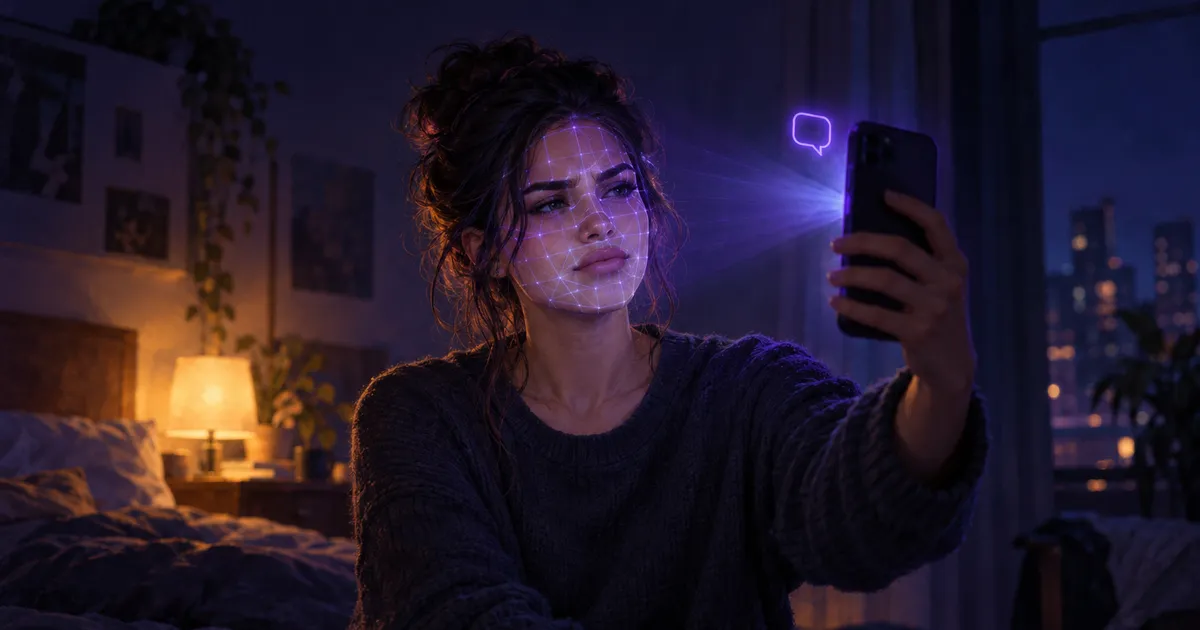
If your Character.AI age verification failed and you are an adult, you are not alone, and there are legitimate steps that often fix it.
I went through the public documentation and the user reports so you don't have to, and for many adults a failed check turns out to be a borderline estimate rather than a final verdict.
The age check is a mix of account signals, a selfie scan and, sometimes, an ID upload. Real adults get flagged by it, and the fix is usually patience, a better scan, or a support ticket. This guide explains how the check works, why it fails, and what to do next.
Quick answer. Character.AI uses its own age signals plus Persona, a third-party verification company. If the system is not sure you are 18+, it asks for a selfie, and if the selfie is borderline, it asks for a government ID. Retry once on a phone in good light, then use the ID step, then open a support ticket. With the Character.AI bankruptcy still unresolved, also request your data export while you wait.
Why Character.AI checks your age now
In October 2025, Character.AI announced that users under 18 would lose open-ended chat with characters, effective November 25, 2025, according to Fortune and Decrypt.
Teens kept other features, such as story tools, but not free chat.
To enforce the rule, the company has to decide who is an adult.
That is where the age check comes in, and it is why some adults suddenly hit a wall.
How the Character.AI age verification works
Press coverage of the announcement describes three layers.
| Layer | What happens | Who runs it |
|---|---|---|
| 1. Account signals | The system estimates your age from how your account is used | Character.AI's own technology |
| 2. Selfie check | If signals are unclear, you take a selfie and your age is estimated from it | Persona |
| 3. ID check | If the selfie estimate is close to 18, you upload a government ID | Persona |
Persona's own documentation describes the same pattern for its clients.
A selfie age estimate comes first, and when the estimate is "ambiguous or near a threshold," the flow escalates to a government ID check.
A failed selfie is often not the end of the process.
It often means the system wants a stronger proof.
Why real adults fail the selfie check
Selfie age estimation is a guess from your face, not a reading of your birth certificate.
The guesses are least reliable near the cut-off, which is exactly where a young-looking 19- or 20-year-old sits.
User reports and troubleshooting guides point to the same practical causes:
- Poor lighting, backlight from a window, or strong shadows on half of your face.
- Glasses, hats, hair over the face, or a heavy filter on your camera.
- A low-quality webcam or a camera angle from far below or above.
- Retrying again and again in a short time, which some users say makes things worse.
Any one of them can push a real adult's estimate just under the line.
What to do if your Character.AI age verification failed
These are the legitimate steps, in the order I would try them.
Step 1: Retry once, properly
Find the age option in your account settings.
Several guides place it under Settings → Advanced → Verify Age, but menus change, so look for "age" or "verify" in settings if you don't see it there.
Use a phone rather than a laptop webcam, face a window or a lamp, remove glasses and hats, and hold the camera at eye level.
If the app keeps freezing, try the same flow in a mobile or desktop browser.
Try once, not ten times.
Step 2: Use the ID step if it's offered
If the selfie is borderline, you may be offered a government ID check.
Use a real, valid document, make sure the photo is sharp and free of glare, and follow the on-screen instructions exactly.
Only ever do this inside the official Character.AI app or website flow.
Step 3: Open a support ticket
If both steps fail, or you are never offered the ID step, contact Character.AI support.
Say clearly that you are over 18, that the selfie check failed, and that you are willing to complete ID verification.
There is no published response time, and users report waits from hours to weeks.
Step 4: Protect your data while you wait
Character.AI is in a court-supervised sale, and the company says the platform will be wound down if no buyer keeps it running.
Do not let a locked account and a shutdown happen at the same time.
Request your data export now, and copy your favourite characters' definitions into a document.
Read what the bankruptcy means for your chats for the full timeline.
What I will not help with
Some sites publish tricks to "bypass" the check.
I don't, for two reasons.
First, the check exists to keep minors out of open-ended chat, and that matters.
Second, bypass tricks can break the platform's terms and get an adult account banned for good, which is a worse outcome than waiting for support.
If you are under 18, this rule applies to you, and the teen features are the ones built for you.
Is it safe to give Character.AI your face or ID?
Your selfie and ID go to Persona, a company that specialises in identity checks, not into your chats.
Persona's guidance to its clients says biometric data "should be processed transiently and deleted immediately after an age determination is made."
Persona wrote that as advice to its clients, and Character.AI has not said how it applies it.
Read the privacy notice shown in the verification flow before you upload anything, and decide whether you are comfortable with it.
If you are not, that is a fair reason to look at other apps.
For a fuller picture of how companion apps handle your data beyond the face scan, use my 10-point AI companion safety check.
What if you just don't want to scan your face?
That is a fair choice.
Different companion apps handle age checks very differently, from a simple 18+ confirmation to full ID checks.
I am testing the main Character.AI alternatives with the same script, including how each one verifies age, and I will publish the results in my alternatives guide.
Frequently asked questions
Why does Character.AI ask me to verify my age?
Since November 25, 2025, users under 18 can no longer have open-ended chats on Character.AI.
To enforce that, the company estimates each user's age and asks flagged accounts to confirm they are 18+ through Persona.
Who does the Character.AI selfie check?
Character.AI combines its own age-assurance technology with tools from Persona.
Persona estimates age from a selfie and moves to a government ID check when the estimate is close to the age limit.
I'm over 18 and failed. Is my account deleted?
User reports describe restricted accounts rather than deleted ones, usually losing open-ended chat while keeping access to saved content.
Character.AI has not published a full description, so check what your own account can still do.
How long does a Character.AI age appeal take?
There is no published timeline, and user reports range from hours to weeks.
A support ticket with a clear description is the only documented route.
Is it safe to upload my ID?
Your ID goes to Persona, not to the chat, and Persona recommends deleting biometric data right after the age decision.
Read the privacy notice in the flow before you upload, and only use the official app or website.
The bottom line
A failed Character.AI age verification is frustrating, but for most adults it is a borderline estimate, not a final verdict.
Retry once in good light, use the ID step, open a ticket, and export your data while you wait.
I will update this guide as Character.AI changes its process.
How I report. This guide is based on press coverage of Character.AI's October 2025 announcement, Persona's public documentation and user reports, all linked above. Details marked as "reported" come from users, not from Character.AI. Last checked on October 22, 2026. myaicompanion Editorial
Related reading